
Hoodie Design: Logo Placement & Size Guide
Published: Dec 3, 2025Author: Admin
Want to make your hoodie brand stand out? Logo placement on hoodie is the key. This guide covers logo positions, size tips, and how to preview designs before printing. Learn the best practices for creators and e-commerce sellers.
Quick tip: The right logo placement and size can instantly boost your apparel’s professionalism and brand recognition.
Why Logo Placement on Hoodies Matters
Choosing the right spot for your logo isn’t just an artistic decision—it affects branding, visibility, and even sales. Here’s why:
- First Impressions Count: Where your logo sits is the first thing customers notice, impacting brand recall.
- Visual Hierarchy: Strategic placement creates a balanced look, helping your design feel intentional.
- Usability and Comfort: Avoiding awkward placements ensures comfort and keeps the logo visible in everyday use.
- Industry Trends: Most top clothing brands follow consistent logo placement rules for a reason—consistency builds trust.[1]
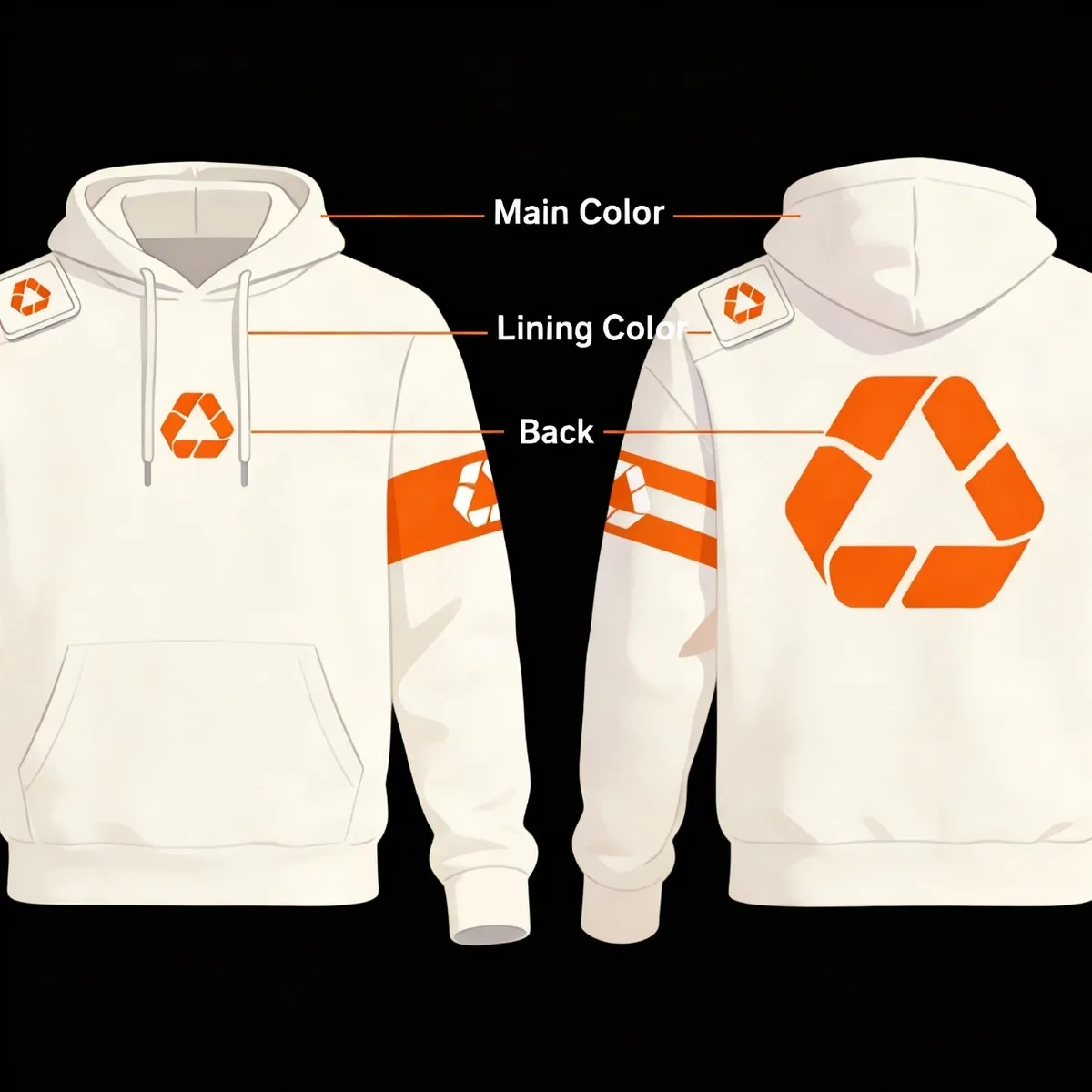 Prompt: "Infographic showing chest, sleeve, back, and pocket logo placements on a blank hoodie, clear, modern style"
Popular Logo Placement Options
Let’s break down the classic spots for clothing brand logo placement on hoodies, with pros and cons for each:
1. Left Chest
- Most Popular: The left chest is a timeless, professional spot used by major brands.
- Great for Small Logos: Works best for subtle brand marks, emblems, or initials.
- Pro Advice: Keep size around 3–4 inches wide for a balanced look.
2. Center Chest
- Bold Statement: Ideal for large, eye-catching logos or graphic designs.
- Streetwear Favorite: Popular among younger audiences and fashion-forward brands.
- Sizing Tip: 8–12 inches wide prevents the design from overwhelming the garment.
3. Sleeve
- Unique Appeal: A sleeve logo adds an unexpected, trendy touch.
- Placement: Usually runs vertically along the outer forearm or horizontally near the cuff.
- Best For: Secondary logos, hashtags, or website URLs.
4. Back
- Maximum Visibility: A large logo on the back grabs attention from a distance.
- Common for Teams: Often used by sports teams, clubs, and event merch.
- Sizings: 8–12 inches wide; consider the hoodie’s seams and shape.
5. Pocket or Hem
- Subtle Branding: A small logo near the pocket or hem offers minimalism.
- Great for Tags: Perfect for woven or embroidered brand tags.
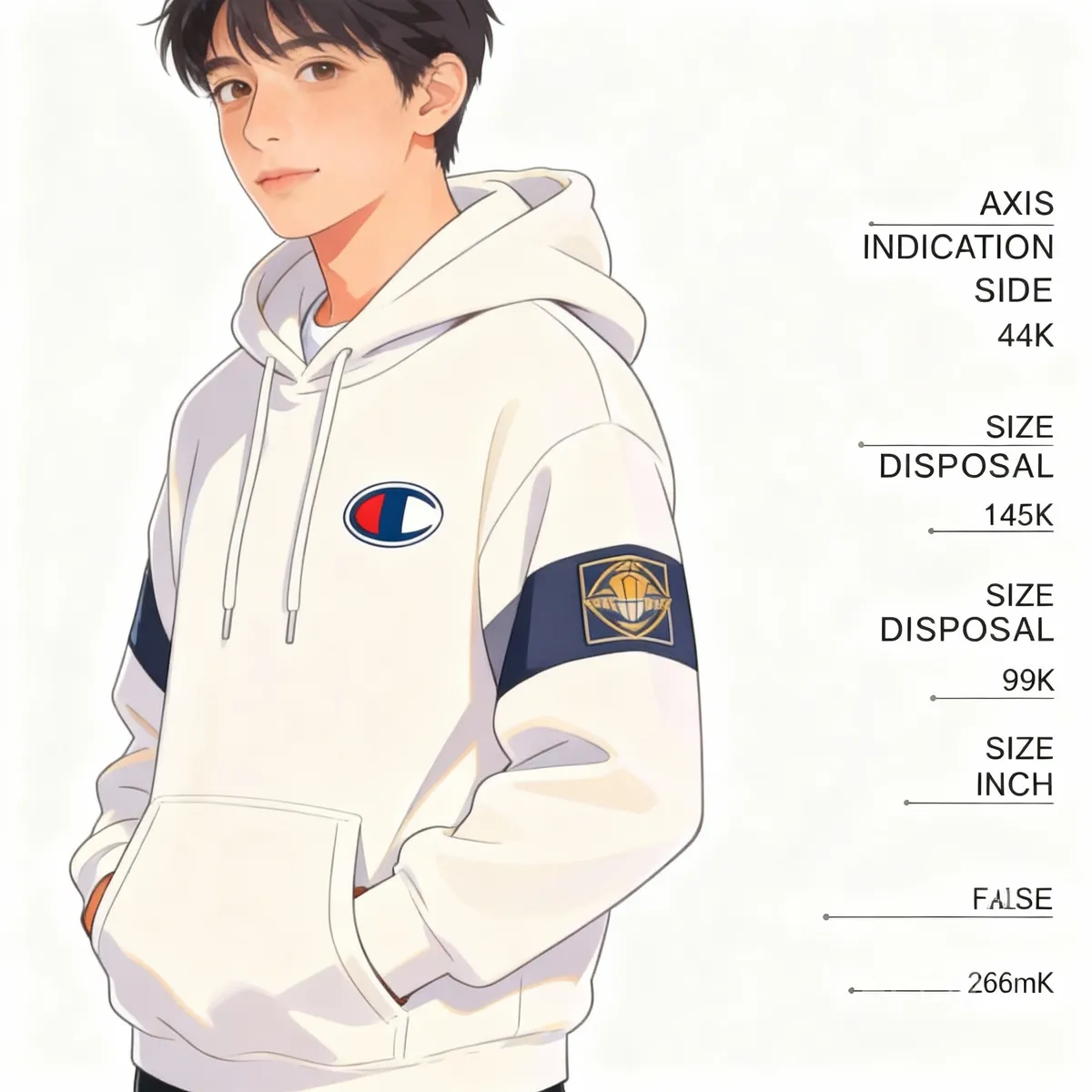
Case Example: A small fitness brand tested both chest and sleeve placements. Chest logos led to higher perceived value, while sleeve logos increased social shares among younger buyers.
 Prompt: "Photo showing two people, one with chest logo, one with sleeve logo on hoodies, ages 20-30, natural light"
Logo Size and Placement on Shirt: Best Practices
Finding the perfect logo size and placement on shirt or hoodie takes a mix of measurement and design sense. Follow these steps:
- Start with Hoodie Size: Logo proportions change with garment size. A 4-inch logo looks different on XS versus XL.
- Standard Logo Sizes:
- Chest: 3–4 inches wide
- Center: 8–12 inches wide
- Sleeve: 2–3 inches tall
- Back: 8–12 inches wide
- Test Placement: Use masking tape or paper cutouts to check logo position on a real hoodie.
- Visual Hierarchy: Main logos should lead the eye—avoid crowding with text or extra graphics.
- Printing Method: Screen printing allows bigger, bolder logos. Embroidery suits smaller, detailed marks.
Tip: Always keep the logo at least 2 inches away from seams and edges for clean results.[2]
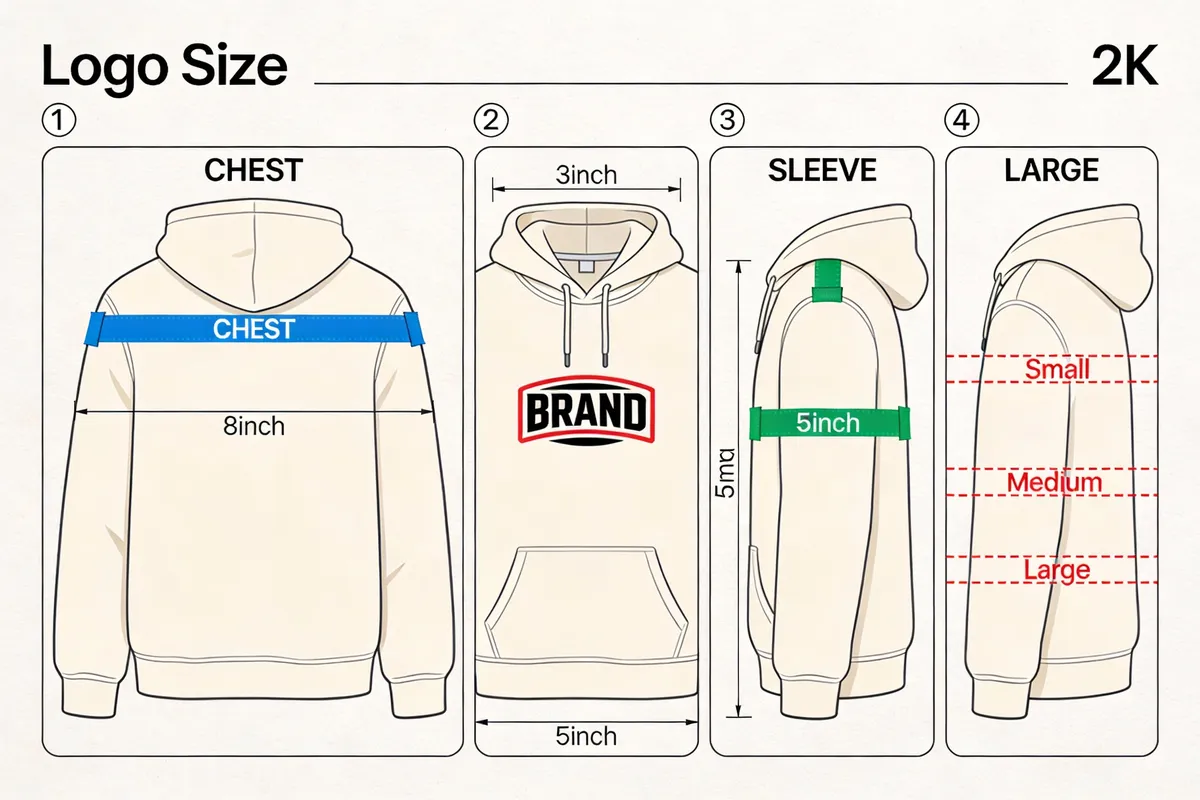 Prompt: "Diagram with tape and paper templates showing logo size testing on hoodie, friendly instructional style"
Using Mockup Tools to Visualize Logo Placement
Before you print, preview your design with online mockup generators. These tools let you adjust logo size and placement on a digital hoodie—no guesswork needed.
Step-by-step workflow:
- Upload Your Logo: Add your artwork (PNG or SVG) to the mockup tool.
- Drag and Drop: Move the logo to chest, sleeve, back, or pocket positions.
- Resize and Rotate: Adjust logo dimensions to see what looks best.
- Try Color Variations: Test your logo on different hoodie colors and backgrounds.
- Download and Share: Save mockups for team feedback or client approval with shareable links.
Scenario Example: An indie brand used a mockup tool to compare four logo placements. The team voted for the left chest option after seeing realistic previews, saving time and money on samples.
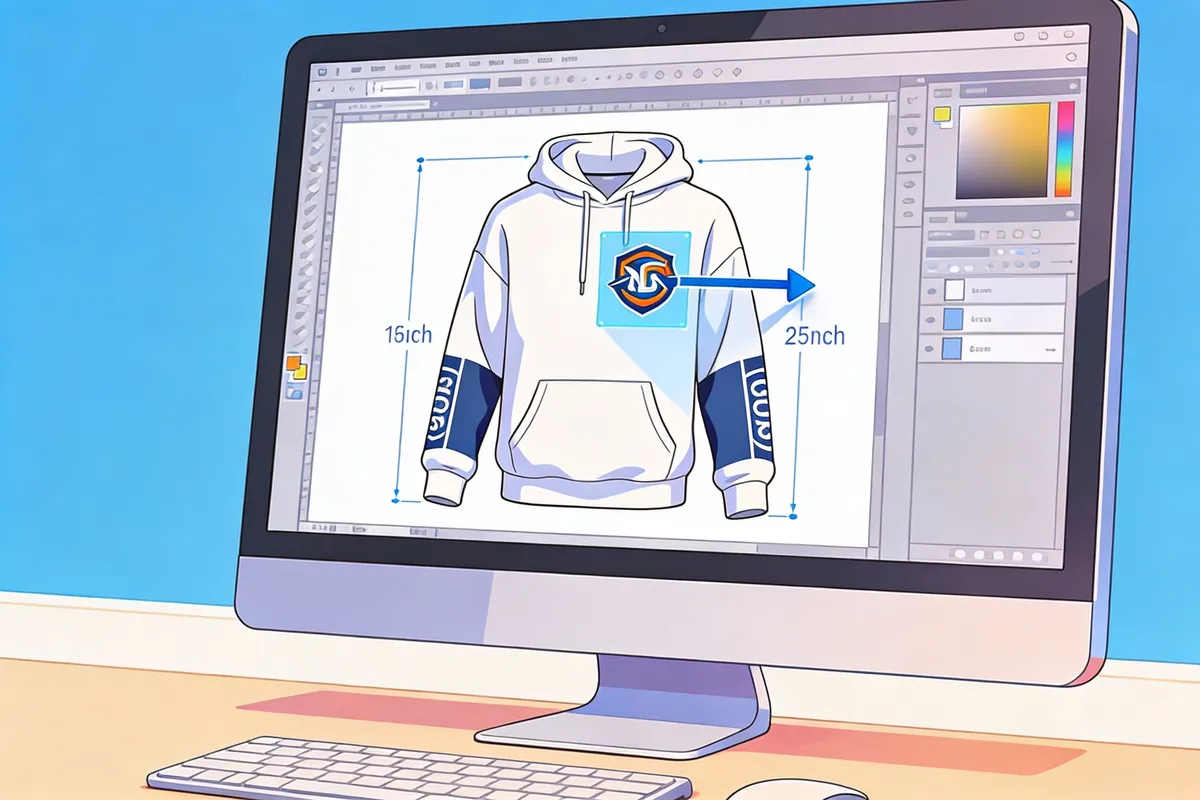 Prompt: "Photo of laptop with hoodie mockup tool, logo being dragged to different positions, adult hands, bright workspace"
Clothing Brand Logo Placement: Pro Framework
Every successful apparel brand uses a simple decision framework for logo placement on hoodies. Here’s our proprietary “3V Placement Model”:
- Visibility: Will your logo be seen at a glance?
- Center or back for maximum attention.
- Versatility: Does the placement work for all sizes and genders?
- Chest and sleeve are reliable across styles.
- Vibe: Does the spot reflect your brand’s personality?
- Sleeve for edgy brands, chest for classic looks, pocket for minimalist style.
Mini-case: A sustainable brand chose pocket logo placement for subtlety and eco-friendly messaging, aligning with their “gentle impact” ethos.
Common Mistakes and How to Avoid Them
Avoid these frequent logo placement errors:
- Too Large or Too Small: Oversized logos can appear unprofessional; tiny logos may be missed entirely.
- Ignoring Garment Details: Zippers, pockets, and seams can distort your logo if not considered.
- Poor Contrast: Light logos on light hoodies (or vice versa) reduce visibility.
- Skipping Mockups: Printing without previewing often leads to costly do-overs.[3]
Pro Advice: Always print a sample or use a high-fidelity mockup before mass production.
Real-World Inspiration: Top Brands’ Logo Placements
Learning from successful brands can spark ideas:
- Nike: Small, left-chest Swoosh for signature identity.
- Supreme: Bold, center chest box logo for streetwear dominance.
- Adidas: Large back logo for sports and teamwear.
- Champion: Sleeve “C” patch for unique branding.
These brands consistently use logo size and placement on shirt and hoodies to reinforce their image and stand out in the market.[4]
FAQ: Hoodie Logo Placement & Sizing
What is the best logo placement on hoodie?
- Left chest or center chest are most popular.
- Each spot offers unique branding; choose based on your audience.
How big should a hoodie logo be?
- Chest: 3–4 inches wide, Center: 8–12 inches wide.
- Adjust for hoodie size and design style.
Can I put my clothing brand logo placement on the sleeve?
- Yes, sleeves are trendy for secondary or subtle branding.
- Test with mockups before printing.
Conclusion: Make Your Hoodie Brand Stand Out
Smart logo placement on hoodie can transform your apparel from basic to iconic. Use mockups to preview, follow sizing best practices, and apply the 3V Placement Model for a professional, on-brand look. Consistent placement builds recognition—and customer trust—over time.
Pro tip: Always get feedback using digital mockups before printing. It’s the easiest way to ensure your logo looks great in real life and online.
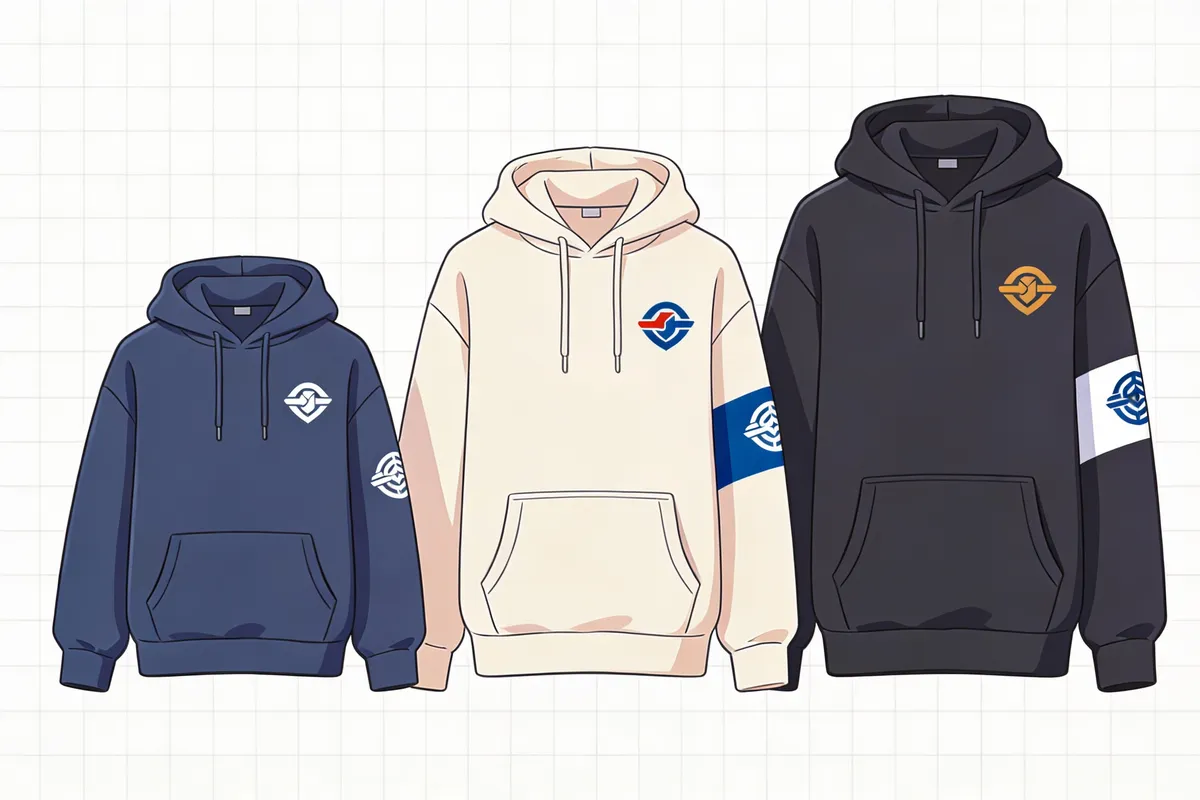 Prompt: "Photo of several hoodies with different logo placements on hangers, retail environment, young adult style"