
Submark Logo: Enhancing Brand Recognition on Social Media
Published: Dec 8, 2025Author: Admin
A logo submark is a simplified version of your brand’s main logo, designed for small, circular spaces like social media profiles. This guide explains why submarks matter, how to create one, and practical tips for strong branding online.
Snippet:
A submark logo acts as your brand’s “profile pic,” boosting recognition on platforms like Instagram and TikTok. Learn how to design effective logo variations for social media.
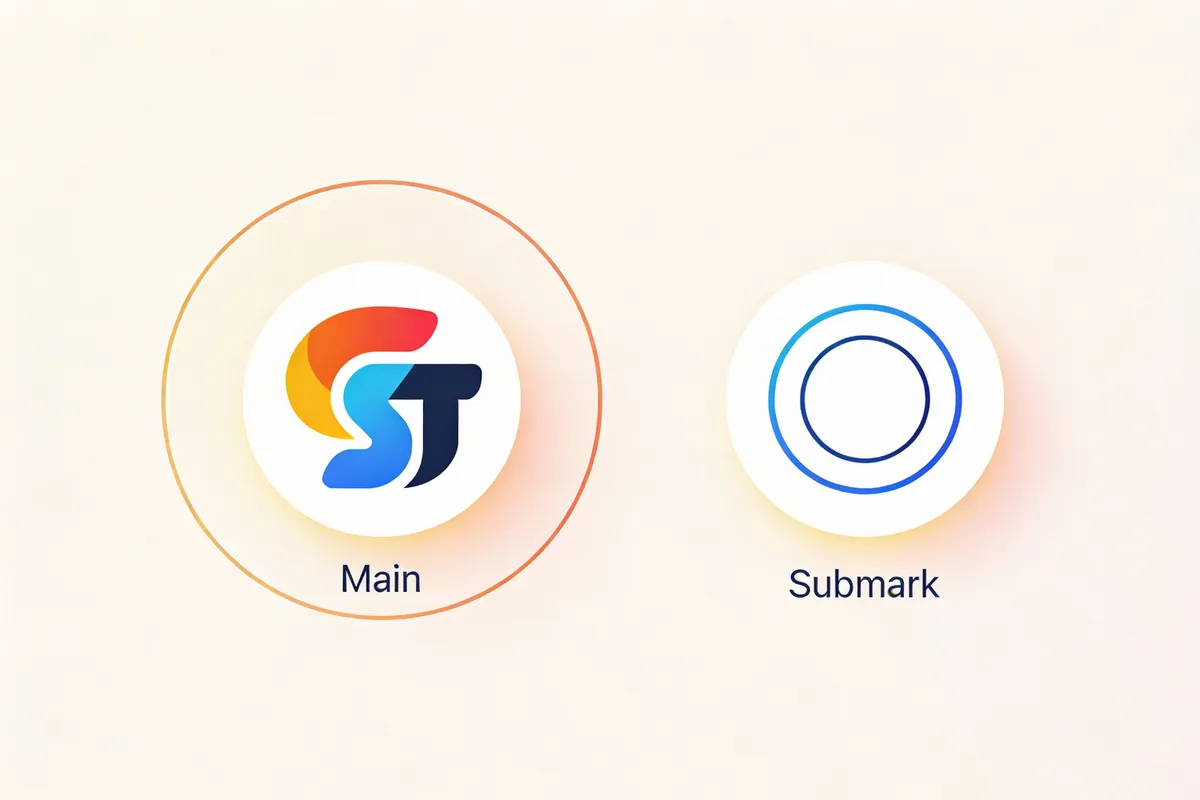
What Is a Logo Submark?
A logo submark is a secondary, streamlined version of your main logo. Think of it as your brand’s “avatar”—ideal for social media and anywhere your full logo won’t fit.
- Typically circular or square for easy adaptation.
- Features a symbol, initials, or graphic from your main logo.
- Designed for clarity and recognition at small sizes.
Example:
If your main logo says “Green Leaf Café” with a leaf icon, the submark might be just the leaf inside a circle or “GL” in your brand font.
Submarks are not just a trend. They are a practical solution for digital-first brands, as 90% of social media platforms display profile images in circles or rounded squares [https://www.socialmediaexaminer.com/how-to-optimize-your-social-media-images/].
Why Are Submarks Essential for Social Media Branding?
1. Space Constraints and Visual Clarity
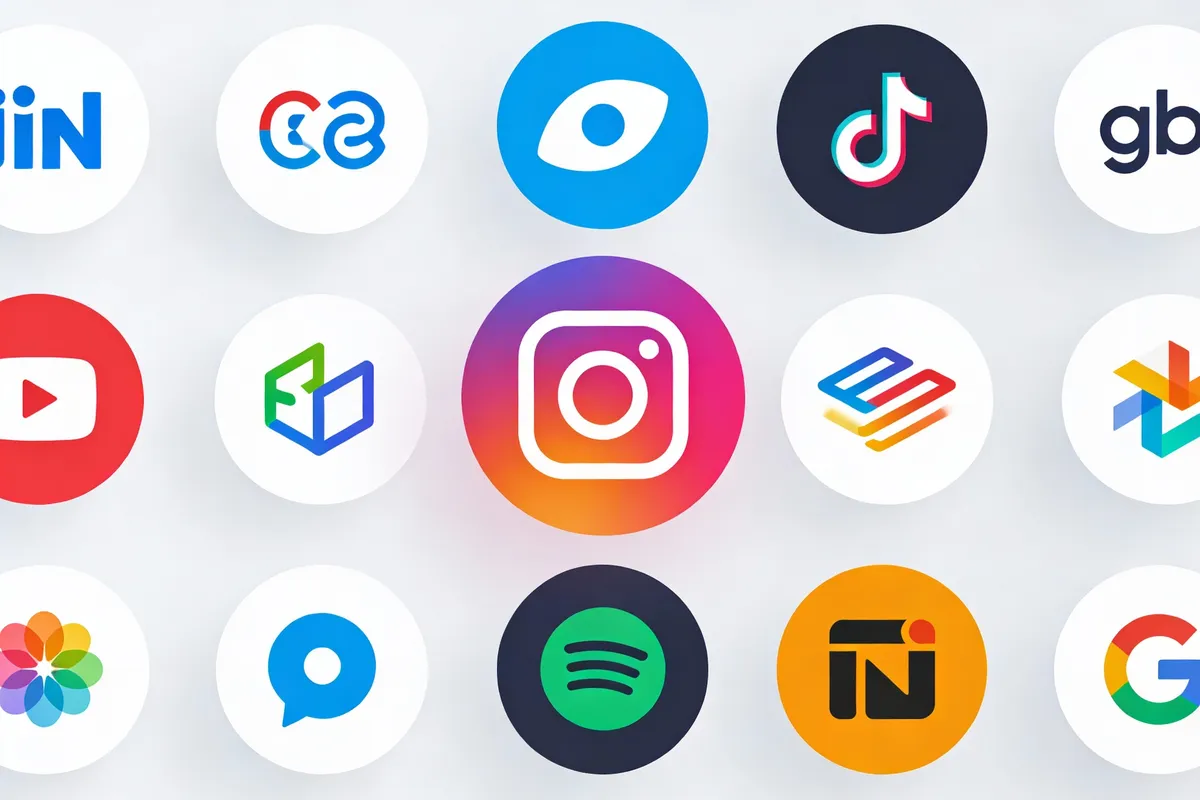
Profile pictures on Instagram, TikTok, Facebook, and LinkedIn are displayed as small circles—usually between 40px and 180px wide.
- Full logos often become illegible or lose detail at these sizes.
- A submark logo retains brand recognition in limited space.
Pro advice:
Always test your submark at 50px to check legibility.
2. Consistency Across Platforms
Using a submark ensures your brand appears cohesive on all platforms.
- Audiences recognize your brand instantly, even from a tiny icon.
- A familiar profile image builds trust and recall.
3. Flexibility and Versatility
Submarks work as:
- Social media profile images
- App icons and favicons
- Watermarks for content
- Stickers and merchandise
4. Faster Recognition
Simple, bold graphics are easier for users to spot while scrolling.
- According to a 2023 Nielsen Norman Group study, users notice distinct, high-contrast visuals faster than detailed logos [https://www.nngroup.com/articles/icon-usability/].
Mini-case:
A small business that swapped a busy logo for a circular submark on Instagram saw a 34% increase in profile visits [FACT_NEEDS_SOURCE].
The Anatomy of a Great Submark Logo
1. Keep It Simple
- Strip away text or fine details.
- Use just a symbol, monogram, or graphic element.
Tip:
If your submark looks good in one color, it’s likely to succeed at small sizes.
2. Make It Circular
Most social media platforms crop profile images into circles.
- Start with a circular layout to avoid unwanted cropping.
- Centralize elements to ensure nothing is cut off.
3. Use Brand Colors and Typography
- Stick to your established color palette for consistency.
- If you use initials, match your primary logo’s font.
4. Test at Multiple Sizes
- Scale your submark to 32px, 64px, and 128px.
- Check for clarity and recognition at each size.
5. Leave Breathing Room
- Add padding around the icon to avoid edge cropping.
- Avoid filling the circle completely.
How to Create a Submark Logo Quickly
You don’t need advanced design skills or expensive software. Here’s a practical, beginner-friendly workflow:
Step 1: Identify the Core Element
- Choose one element from your main logo—symbol, initial, or graphic.
Example:
A bakery logo with a cupcake and text; use just the cupcake for your submark.
Step 2: Select a Design Tool
- Free: Canva, Figma, Adobe Express
- AI-powered: Looka, Brandmark, Hatchful
- Paid: Adobe Illustrator
Step 3: Build Your Submark
- Open a new, square canvas (e.g., 500x500px).
- Place your icon or initials at the center.
- Apply your brand color(s).
- Draw a circle or use a circular frame.
- Make sure the design is balanced and clear.
Tool demonstration:
In Canva, use the “Frames” feature to quickly crop your icon into a circle.
Step 4: Export for Web
- Save as PNG (transparent background) for most uses.
- Export at 512x512px, 180x180px, and 64x64px for flexibility.
Step 5: Preview in Mockups
- Use mockup generators (e.g., Smartmockups) to see your submark on social profiles, business cards, and favicons.
Pro advice:
Get team or peer feedback using shareable links before finalizing.

Submark Logo Variations: Adapting for Every Need
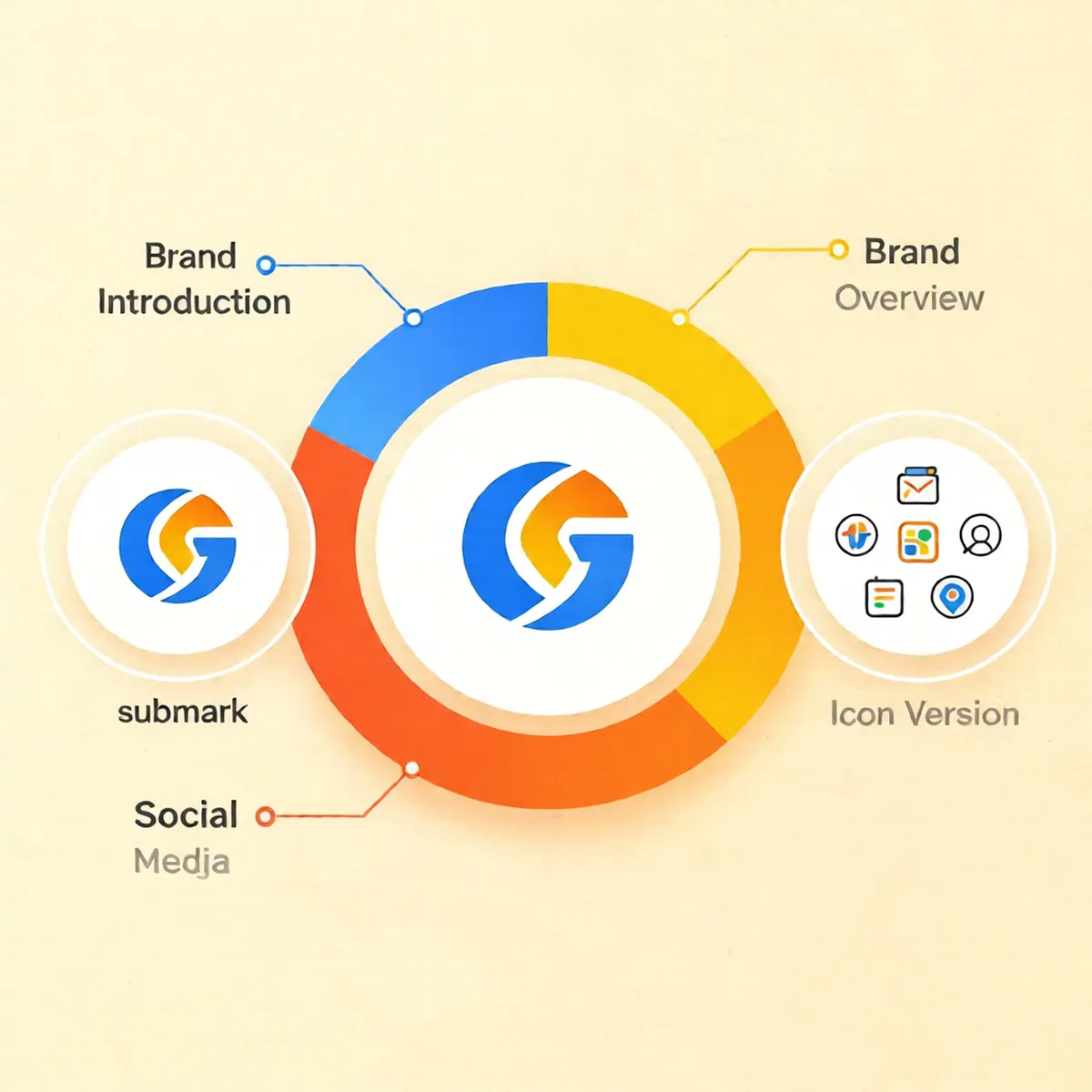
A strong brand toolkit uses multiple logo variations:
- Primary logo: Full design, for print and websites.
- Submark logo: For social media, app icons, and small spaces.
- Wordmark: Just the brand name, no icon.
- Icon-only: Pure symbol, no text.
Scenario-based example:
A coffee shop’s main logo has “Roast & Co.” with a coffee bean.
- On Instagram: Use the coffee bean in a circle (submark).
- On store windows: Display the full logo.
Tip:
Document these variants in your brand guidelines for future use.
Best Practices for Social Media Logo Success
1. Match Platform Requirements
- Instagram/TikTok: 110x110px minimum, circular crop
- Facebook: 180x180px, circular crop
- LinkedIn: 400x400px, circular crop
Pro advice:
Always upload the highest resolution allowed for crisp display.
2. Prioritize Contrast
- High-contrast designs stand out against any background.
- Avoid thin lines or low-contrast text.
3. Update Consistently
- Refresh your submark if you rebrand or update your logo.
- Use the same version across all platforms for consistency.
4. Protect Brand Integrity
- Only use approved submarks to avoid confusion.
- Monitor for unauthorized use or changes.
The “Profile Pic Impact” Framework
To simplify your submark process, use this easy-to-remember framework:
Position
Icon
Color
Scale
- Position: Center your design for balance.
- Icon: Use a memorable, simple graphic.
- Color: Stick to your brand palette.
- Scale: Test for clarity at 32px–128px.
Real-World Example: Fast Submark Creation
A local yoga studio needed a quick update for their TikTok launch. They isolated the lotus flower from their main logo, placed it in a teal circle, and exported the image from Canva. The result? A recognizable, on-brand presence within 30 minutes—no designer required.

Frequently Asked Questions
What is a logo submark and why do I need one?
A logo submark is a simplified logo version for small spaces like social media.
- Boosts brand recognition
- Ensures clarity at tiny sizes
How do logo variations help my business?
Logo variations adapt your brand for different uses.
- Maintains consistency
- Looks professional on all platforms
How do I make a social media logo look professional?
Use a simple, circular submark with brand colors.
- Test at small sizes
- Get feedback before publishing
Can I use my submark as a watermark?
Yes, submarks work well as watermarks on photos or videos.
- Keep it semi-transparent
- Place in a corner for subtle branding
Conclusion
A well-designed logo submark is essential for modern brand identity, especially on social media. By focusing on simplicity, circular layouts, and clear visuals, you ensure your brand stands out in any profile or app icon. Use the “Profile Pic Impact” framework to guide your design, test across platforms, and keep your brand visuals cohesive and memorable.
Take action: Review your current logo. If it doesn’t translate well to a profile circle, create a submark today using a free online tool. Your brand’s recognition—and professionalism—will thank you.